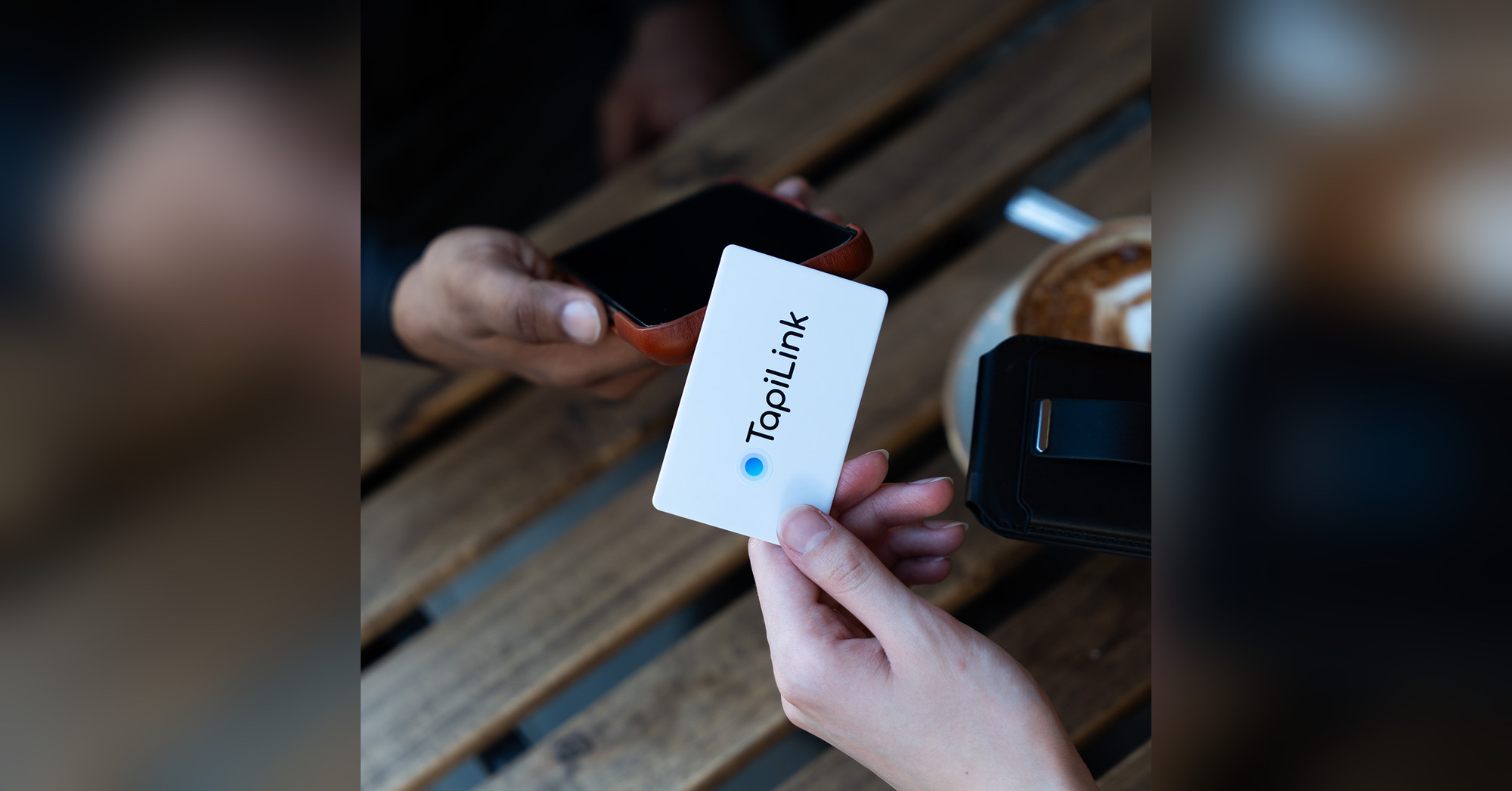
You are standing in a conference hall basement. No signal. Barely half a bar of 4G flickering in and out. Someone asks for your contact details, you hand over your NFC business card, they tap it, and the page just spins.
It is a scenario that puts people off digital cards entirely, and that is a shame, because the problem is entirely solvable.
Knowing how to share a digital business card without the internet comes down to understanding exactly what needs a connection and what does not. And once you know that, the workarounds are straightforward.
A digital business card is a smart physical card embedded with an NFC chip or QR code that shares your contact details, profile, and links when tapped or scanned by a smartphone. Most digital business cards direct the recipient to an online profile, but sharing your information in a low-signal or no-signal environment is achievable with the right setup.
What Actually Needs the Internet (And What Does Not)
Here is where most people get confused. The confusion is understandable.
The NFC chip in your card does not use the internet. At all. When someone holds their phone near your card, a short-range radio signal passes between the chip and the phone's NFC reader. That exchange is entirely local. No WiFi, no mobile data, no signal required on either end.
What does an internet connection need? Loading the destination.
If the NFC chip is programmed to open a URL (which most digital business cards are set up to do), the recipient's phone needs internet access to load that web page. The tap works. The page request gets sent. But if there is no connection to retrieve the page from the server, it times out.
Think of it like a road sign. The sign pointing you toward the city does not need electricity to point. Your car still needs fuel to make the journey.
So the real question is not "does my card work without the internet?" but "what can I do when the destination page can not load?" The answer: quite a lot, actually.
How to Share a Digital Business Card Without the Internet: Four Methods That Work
These are the four methods that actually deliver your contact information when a signal is unreliable or completely absent. Some require a small amount of preparation. All of them work.
Method 1 - Configure Your Card to Deliver a vCard File
This is the cleanest solution for genuinely offline sharing.
A vCard (.vcf) is a contact file format. Instead of programming your NFC chip to open a web page, you configure it to deliver a .vcf file directly to the recipient's phone. When they tap, their phone receives the file, opens it automatically, and prompts them to save your contact details: name, phone number, email address, company name, website. No browser opens. No connection required.
The limitation is worth knowing: a vCard is static. You can not update it remotely the way you would with a dynamic online profile. If your phone number changes, you need to reconfigure the chip. But for environments where connectivity is genuinely unreliable, having this option pre-configured is worth it.
Method 2 - AirDrop or Bluetooth-Based Contact Sharing
This skips the NFC tap entirely, but it solves the problem just as well.
AirDrop works without WiFi or mobile data because it uses a direct Bluetooth and WiFi-Direct connection between two Apple devices. Open your TapiLink profile on your phone, copy the link, and send it via AirDrop. It arrives on their device instantly, completely off-grid. They open it as soon as they have a signal.
On Android, Nearby Share works on the same principle. Both devices need the feature enabled, but once they do, sharing takes a few taps. Apps like Cardhop and Contacts+ also allow direct Bluetooth-based contact sharing between phones without internet on either end.
Method 3 - QR Code Screenshot Shared Without Data
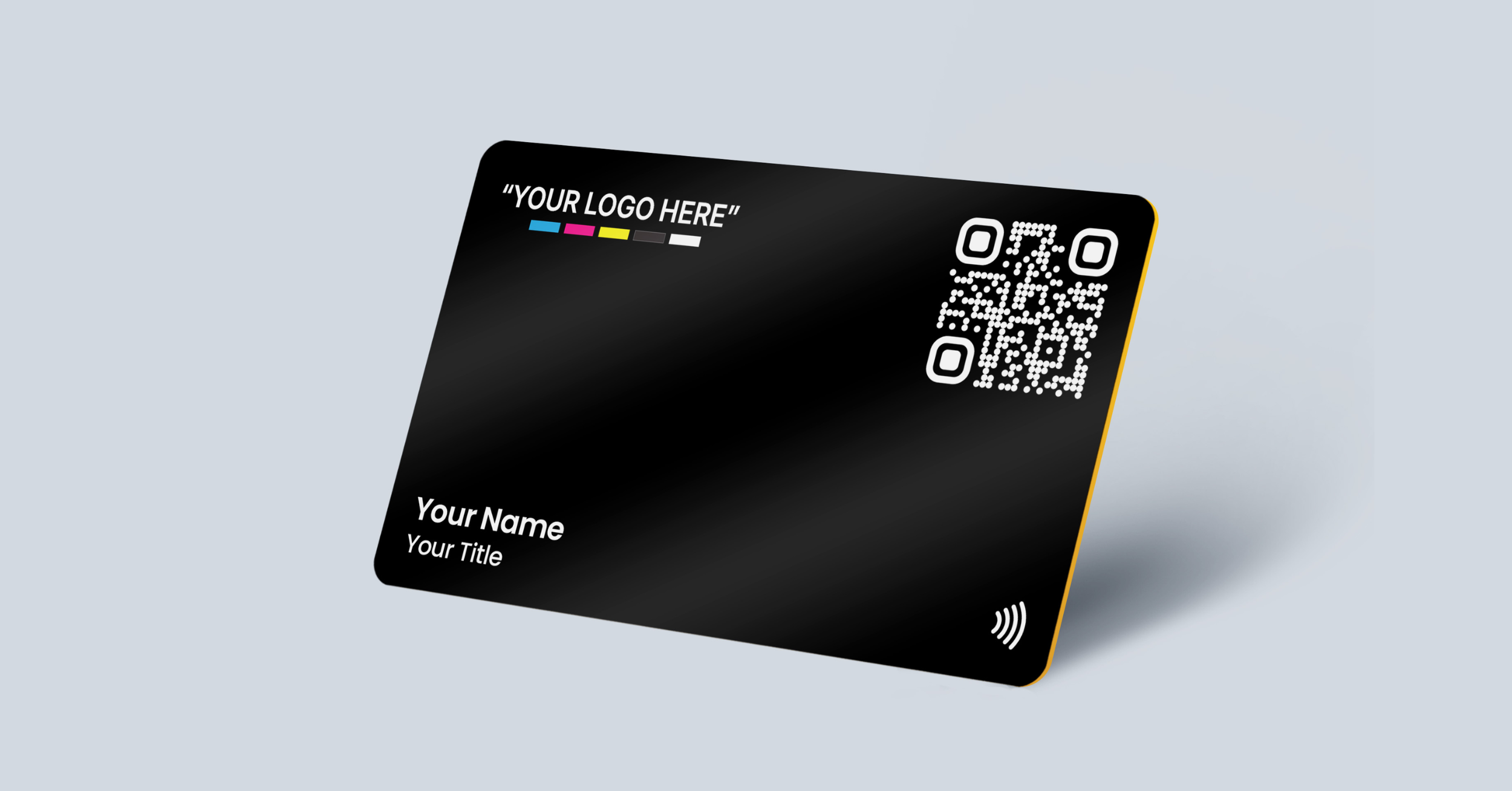
Your TapiLink card has both an NFC chip and a QR code. The QR code itself does not need the internet to be scanned: the phone camera reads it locally. But like the NFC tap, loading the destination URL still needs a connection.
The workaround is simple. Take a screenshot of your QR code and store it on your phone. When you are somewhere with no signal, open the screenshot and let the other person scan it with their camera. They get your link immediately and can open it when they are back in range.
It is not instant gratification, but it means your details are with them. And they are far more likely to visit your profile than to type a URL from memory.
Method 4 - Messaging Apps When Either Party Has Temporary Signal
This works in patchy signal situations where at least occasional connectivity exists.
Your TapiLink profile has a link. When signal allows, drop that link into a WhatsApp message, iMessage, or email to the person you have just met. They receive it and open it at any point. Even a momentary signal break does not matter because the message is queued and delivered as soon as either of you gets a connection.
It sounds basic. It is. But sharing a clickable link to a full digital profile is still a far better outcome than handing over a paper card that goes in a pocket and never gets looked at again.
The Honest Reality of Digital Business Cards and Offline Environments
Most digital business cards are designed to connect people to a live online profile. That is where their actual power sits. Your profile holds everything: phone number, email, social links, Google review page, portfolio, downloadable contact file. You can update it at any time without reprinting or reordering.
But that flexibility needs connectivity to display in full.
Here is a practical approach for anyone who regularly networks in places with unreliable signal: use your NFC card's dynamic profile link as the primary destination for everyday networking, where signal is reliable. For events or locations where connectivity is known to be poor, prepare one of the four methods above in advance.
The two approaches cover each other. The vast majority of the time, the NFC tap and profile load work without a hitch. In the rare situations they do not, you are not caught out.
And here is something worth saying plainly. According to BrightLocal, 88% of paper business cards are thrown away within 24 hours. A TapiLink NFC card does not go in a bin. It goes in someone's contacts, their saved links, their memory, because it did something a paper card never could. People remember technology. That impression lasts far longer than any connectivity issue.
TapiLink Cards Built for Real-World Networking
The card you choose matters when you regularly network across varied environments.
Our Black Premium PVC Digital Business Card is one of the most popular choices for professionals who need a card that performs consistently across both NFC taps and QR scans. PVC cards are durable, water-resistant, and built to withstand hundreds of interactions without degrading.
For those who want to make an immediate impression, the Black Metal Engraved Digital Business Card is a different kind of experience. People pick it up, turn it over, tap it twice. The weight and finish communicate quality before anyone has even seen your profile. In a room full of paper cards, it is the one that gets remembered.
Browse the full range of Metal Digital Business Cards for options across colours and finishes. If sustainability is part of your professional identity, our Eco Friendly Digital Business Cards are made from bamboo and biodegradable materials, with the same NFC and QR dual functionality built in.
Every card comes with a dynamic digital profile you can update at any time, free custom logo design, and next-day delivery across the UK.
Practical Tips for Sharing Your Card When Signal Is Unreliable
A few things make a real difference in the field.
Test your card before the event. Tap it with your own phone. Watch what loads. Know the experience your contact is about to have. This takes thirty seconds and eliminates surprises.
Keep your profile URL short and readable. A clean link like tapilink.co.uk/yourname is something you can say out loud if a tap fails. Long strings of characters are not. If technology fails, you want a human fallback.
Save your QR code as a phone screenshot. No app needed. No tap needed. Open your camera roll, turn the screen toward the other person, and let them scan. It works anywhere.
Pre-save your vCard to your own device. Most TapiLink profiles include a downloadable contact file. Know where it is. If the signal is completely gone, you can AirDrop or Bluetooth-share that file directly from your phone without touching the NFC card at all.
Enable browser caching where possible. Chrome on Android and Safari on iOS save recently visited pages for offline reading. If a contact has visited your profile while connected, it may display in a basic form without signal next time. Not guaranteed, but worth knowing for regular contacts.
Conclusion
Sharing a digital business card without the internet is genuinely possible, and with a small amount of preparation, it is reliable. The NFC tap itself needs no connection. The profile page that loads does. Knowing that distinction puts you in control of every networking scenario, whether you are in a signal-rich city centre or a basement conference room with zero bars.
Paper business cards had their moment. That moment has passed.
TapiLink NFC digital business cards come with dual NFC and QR code access, a dynamic profile you can update at any time without reprinting, free custom logo design, and next-day UK delivery. Whether you are networking at a rooftop event in Shoreditch or an underground trade show in Birmingham with no signal at all, our cards are built for the real world, not an ideal one.
The best card is the one that works in every room you walk into. Make yours one that does.
Explore our full range of PVC Digital Business Cards or discover all Metal Digital Business Cards to find the card that fits how you network.
Frequently Asked Questions
1. Does an NFC business card work without the internet?
Answer: The NFC chip communicates locally between the card and the recipient's phone using short-range radio signals, so no internet connection is required to trigger the tap. What does need an internet connection is loading the destination, usually an online profile or web page. If you configure your card to deliver a vCard contact file instead of opening a URL, the entire exchange can happen without any connectivity on either device. According to the NFC Forum, NFC operates at a range of up to 20 centimetres and is entirely self-contained at the hardware level.
2. Can I share my digital business card without WiFi or mobile data?
Answer: Yes. Using AirDrop between Apple devices, Nearby Share on Android, or Bluetooth-enabled contact sharing apps, you can share your profile link or contact file directly between phones without WiFi or mobile data. Showing your QR code on screen also works: the other person can scan it with their camera and open the link when they next have a connection.
3. What is a vCard and how does it help with offline digital business card sharing?
Answer: A vCard (also called a virtual contact file or .vcf file) stores your contact details including name, phone number, email, and company name in a standard format that any smartphone can read natively. When your NFC card is configured to deliver a vCard, the recipient's phone saves your details directly to their contacts without needing to open a browser or access the internet. It is the most reliable method for completely offline sharing.
4. Will my TapiLink profile load if the recipient has no signal when they tap?
Answer: If the recipient has no mobile data or WiFi at the moment of the tap, the profile page will not display until they have a connection. Their phone may briefly cache recently visited pages, so if they have been to your profile before, it could display in a limited form. For guaranteed offline delivery in consistently low-signal environments, configuring your card with a vCard as the primary or backup destination is the recommended approach.
5. Do digital business cards work on all smartphones without an app?
Answer: Yes. TapiLinkNFC digital business cards are compatible with all modern iOS and Android smartphones that have NFC enabled, which covers virtually all phones manufactured after 2017. No app is required on the recipient's device. The QR code on every TapiLink card also works with any phone camera, making it accessible to anyone regardless of NFC capability or technical experience.
Ready to revolutionize your networking approach? Explore TapiLink's range of premium NFC business cards and join the thousands of professionals who've already made the smart choice.